
Ring Camera Hacked? How to Tell, Fix It, and Stay Safe
A camera that pans on its own, a voice through the speaker that isn't yours, a login notification from a city you've never visited — a compromised doorbell is rarely subtle once you know where to look.
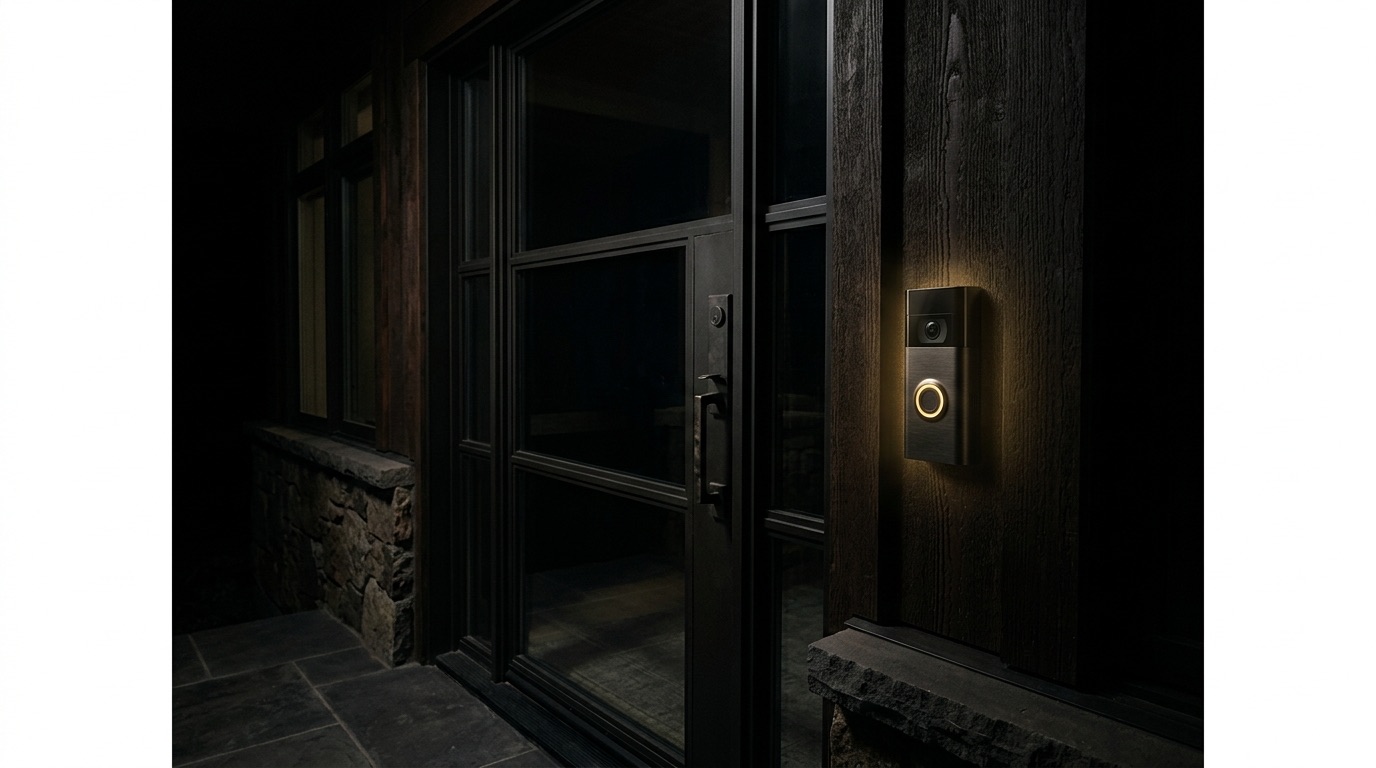
Most Ring "hacks" are not sophisticated intrusions into Amazon's servers — they are a stolen or recycled password doing exactly what a password is supposed to do: opening the account it belongs to. That distinction matters, because it tells you where to look first and how fast the problem is actually solvable.
The real signs of a compromised camera
- The camera moves, pans or talks on its own. Two-way audio activating without a motion trigger, or a stranger's voice through the speaker, is the clearest sign someone else has live access.
- An unfamiliar login or device in your account. Check Ring's Control Center → Account → Authorized Devices. A session from an unrecognised phone, city or IP is your primary evidence.
- Shared users you didn't add. Under Shared Users / People, anyone with view access who isn't household staff or family should be removed on sight.
- Settings changed without you. Motion zones disabled, notifications silenced, or the recording schedule altered are common signs an intruder is quietly minimising the chance of being noticed.
- Password reset or 2FA emails you didn't request. Often the first (and only) warning before an account is fully taken over.
What to do in the next twenty minutes
- Change the Ring account password immediately — from a device you know is clean, not the compromised network if you suspect broader access.
- Enable two-factor authentication if it isn't already on. This alone closes the door on most credential-reuse attacks.
- Remove every unrecognised device and shared user from Control Center.
- Update firmware on the camera and the Ring app; unpatched devices are the easiest re-entry point.
- Check your router for unfamiliar connected devices — a single compromised camera is frequently a symptom of a wider network intrusion, not the whole story.
Why this happens to good households, not careless ones
The uncomfortable truth is that a single reused password anywhere — a hotel loyalty program, an old retail account, a forum signup from a decade ago — is often the true point of failure. Once that credential appears in a breach dump, automated tools test it against thousands of services within hours, cameras included. This is precisely the mechanism we track for clients in dark web monitoring for UHNW families: knowing a credential has surfaced before someone uses it against your front door.
For principals and family offices, the doorbell camera is rarely the actual target. It is a foothold — a view of who comes and goes, a listening point, occasionally a pivot into the rest of the home network where a nanny cam, a smart lock or a NAS drive sits unsegmented on the same WiFi. Treating each device in isolation misses the pattern; a household's smart-home footprint deserves the same standing oversight as its financial accounts, which is the role a fractional CISO for the family is built to hold.
The camera was never the target. It was the easiest window left open.
Beyond the fix: preventing the repeat
A unique, generated password per device account, 2FA everywhere it's offered, a separate WiFi network (VLAN) for cameras, locks and speakers so a compromised device can't see the rest of the home, and quarterly review of every connected device and shared user — these five habits eliminate the overwhelming majority of smart-home intrusions before they start. For households with multiple properties, staff turnover and dozens of connected devices, doing this consistently is a project, not a Tuesday afternoon.
Check every other connected device while you're at it
A hacked doorbell rarely travels alone. If one device on the network was compromised through a reused or leaked password, it's worth assuming the same credential was tried elsewhere before you check anything else. Walk through the rest of the connected-home footprint with the same scrutiny:
- Smart locks. Review access logs for unfamiliar unlock events or newly added user codes, and check whether the lock's companion app shows any devices you don't recognise.
- Other cameras and video baby monitors, including older units from different manufacturers that may lack the same account-security features as newer Ring devices.
- Smart speakers and voice assistants, which can reveal calendar entries, package deliveries and household routines to anyone with account access.
- Garage door and gate controllers, often overlooked because they're rarely thought of as "smart" devices at all, yet frequently sit on the same app ecosystem and shared login.
- Any device with a shared family login rather than individual accounts — a single compromised password here can expose the entire smart-home footprint in one motion, not just one camera.
Staff and household access deserve the same review
Housekeepers, property managers, contractors and prior staff frequently retain shared-user access to smart-home systems long after they should. This is not a hacking incident in the technical sense, but it produces identical exposure — someone outside the household with a persistent view into the property. A periodic access review, treating every departing staff member's device access the same way you'd treat returning a house key, closes a gap that a password change alone does not.
Obsidian Helm's private office maintains and audits the entire connected-home environment — cameras, locks, networks, staff access — under our broader Personal Cybersecurity command, so a flagged login becomes a phone call from a named contact rather than a notification you have to interpret yourself at midnight.
Let Us Audit Every Connected Device Before It Becomes a Problem
A $4,999 Private Strategy Session includes a full review of your home's connected devices, credentials and network segmentation — credited toward membership.
Request Your InvitationFrequently asked
How do I know for sure if my Ring camera was hacked?
Check Control Center under Account for authorized devices and shared users you don't recognise, and review recent login activity for unfamiliar locations. Unexplained camera movement, two-way audio activating on its own, or settings changes you didn't make are strong secondary signals.
Can someone watch my Ring camera without me knowing?
Yes, if they have your login credentials or were added as a shared user. Ring does not always notify the owner in real time when a new device views a live stream, which is why regularly auditing authorized devices matters more than watching for alerts.
Does changing my password remove a hacker from my Ring account?
It removes access from that credential going forward, but you should also revoke all active sessions and remove unfamiliar devices under Authorized Devices, since a changed password alone doesn't always end an already-active session.
Should I reset my whole home network if my camera was hacked?
If the camera shares a network with other smart devices, computers or a NAS, a full router password change and a review of every connected device is worth doing — a single compromised IoT device is often how attackers first land on a home network.
Are Ring cameras less secure than other smart home brands?
No — most incidents stem from account-level credential reuse rather than a flaw specific to any one brand. The fix is the same across manufacturers: unique passwords, two-factor authentication, and periodic review of who has access.